

Reading time: 6 minutes
For many Shopify stores outside of Plus, the transition phase for checkout is coming to an end: by August 26, 2026, existing old thank you and order status pages must be converted to the new version. After that, Shopify will perform the upgrade automatically.
The risk lies less in the visible page design than in the invisible dependencies. Tracking scripts, app features, and custom notices may be missing after the switch if they have not been compatibly replaced beforehand.
In brief & compact
✓ August 26, 2026, is the deadline for affected Shopify stores without Plus.
✓ Old additional scripts will not work on the new pages.
✓ Tracking must run via app pixels or compatible custom pixels.
✓ Page features are replicated using app blocks or built-in Shopify features.
✓ Without manual preparation, the automatic upgrade can remove important customizations.
Why the deadline is operationally relevant
The thank you page appears immediately after purchase, while the order status page provides information about the order and delivery at a later stage, among other things. Both pages are frequently used for conversion tracking, customer notices, surveys, upsells, or external services.
Shopify is replacing the previous technical foundation with pages customized via the editor for checkout and accounts as well as compatible apps. Old additional scripts and apps with unsupported script integrations will not be automatically translated into functionally equivalent solutions.
Important
The August 26, 2026 deadline applies to affected stores with a Shopify subscription outside of Plus. A separate, earlier transition schedule applied to Shopify Plus.
Which customizations are particularly at risk
Shopify creates an individual upgrade guide in the admin area. It shows existing apps, additional scripts, and known customizations, but does not replace a professional audit of actual data flows.
Existing solutionIntended replacementTypical riskAnalytics script on the thank you pageApp pixel or custom pixelPurchases are not recorded or are recorded twiceContent via additional scriptApp block or Shopify featureNotices and upsells are missingApp with outdated integrationUpdated app or alternativeFeature disappears after the upgradeCustom order logicCompatible app extensionProcess works only partially
Tracking is the most critical checkpoint
Additional scripts for analytics and marketing are not supported on the new pages. Shopify recommends replacing them with app pixels; if no suitable app exists, a custom pixel is an option.
When testing the old script and new pixel in parallel, events may temporarily be double-counted. After disabling the script, you should therefore check whether the target platform continues to receive purchases and the values remain plausible.
A decline can be technically correct
Shopify points out that pixels track customer behavior in accordance with the consent granted. If this restriction was not implemented correctly in old scripts, reported events may decline after migration even though the new setup is working properly.
Therefore, do not evaluate the switch based solely on absolute event numbers. Compare orders, consent status, triggered events, and attribution in your analytics and advertising systems.
Practical Check
Perform at least one real or controlled test order. Then check the thank you page, order status page, purchase event, order value, currency, consent, and transmission to all relevant target systems.
The domain can affect pixel setup
If the store uses a custom domain, Shopify mentions an additional requirement: The customer account domain should be set up as a subdomain of the store domain, for example, following the pattern account.example.com. Otherwise, pixels and cookie consent on the order status page may not function correctly.
This point is easily overlooked because the store domain itself remains accessible without change. Therefore, do not only check the pixel configuration, but also the domain of the customer accounts and the order status page.
Why a manual upgrade is preferable
Those who carry out the transition themselves can rebuild, test, and publish customizations in a controlled manner beforehand. With the automatic upgrade, the old pages are replaced without incompatible features being automatically restored.
A revert is only possible before the deadline and under strict conditions: The store must have been created before January 6, 2025, already possess suitable legacy customizations, and the manual upgrade must have taken place no more than 30 days ago. After August 26, 2026, this option is no longer a reliable safety net.
Beware of Pause and Build
If an affected store is paused, Shopify performs the upgrade automatically. According to Shopify, this transition cannot be reversed, even after a later reactivation.
What store operators should check now
✓ Under Settings and Checkout, open the individual upgrade guide.
✓ Document all scripts, apps, pixels, and visible page customizations.
✓ In the case of incompatible apps, immediately clarify whether an update or replacement is available.
✓ Test the new tracking before shutting down existing scripts.
✓ Check the customer account domain, consent, and purchase events together.
✓ Deliberately publish the new pages before August 26, 2026.
Prioritize features first that affect revenue tracking, fulfillment, or customer communication. Purely design-related discrepancies can be addressed afterward, as long as they do not hinder the completion of the checkout or the orientation of the customers.
Thinkideas View
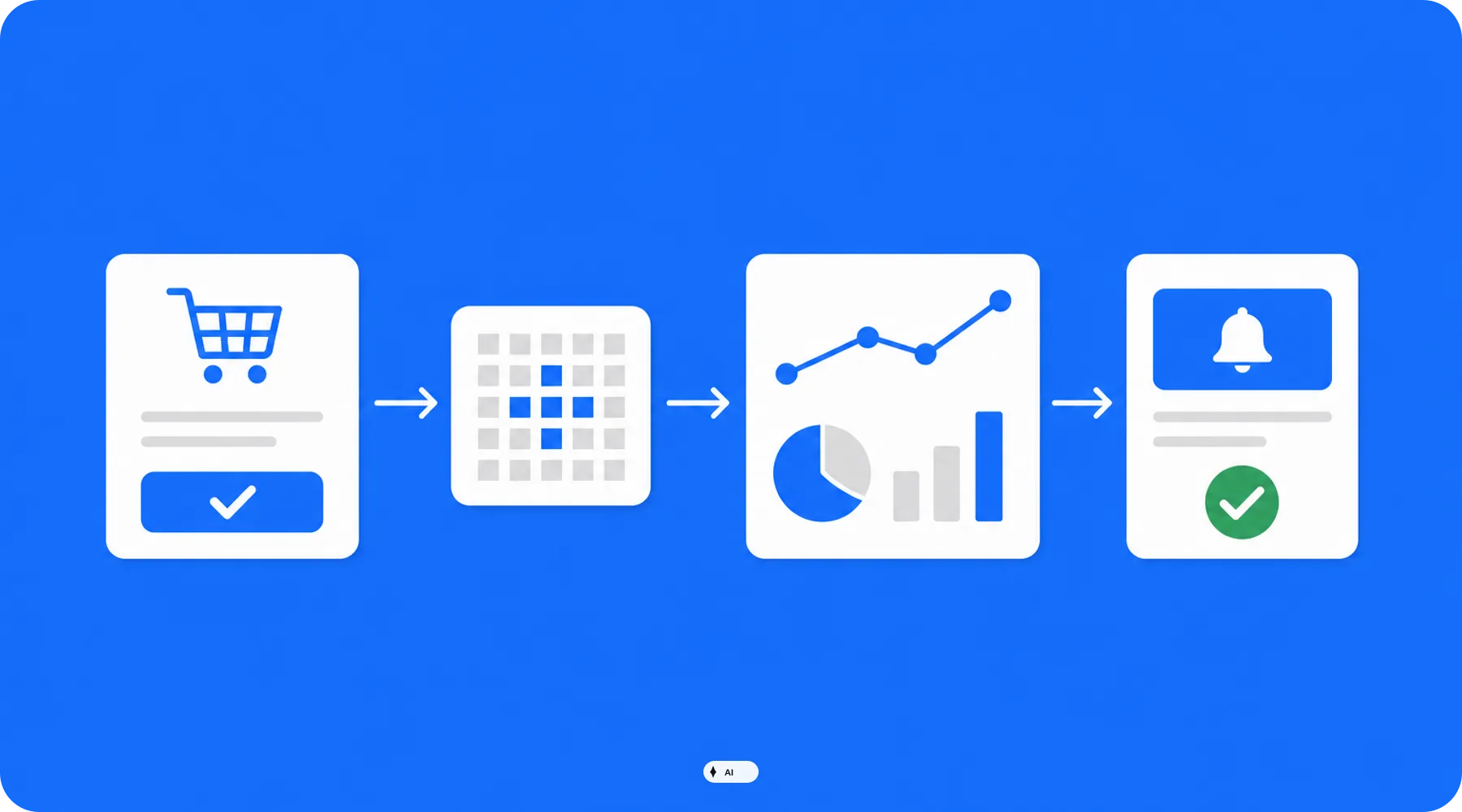
Do not treat the checkout upgrade as a design task, but as a controlled transition of your tracking and integration architecture. Only publish once a test order is fully traceable from checkout into analytics, advertising, and downstream systems.
Conclusion
The Shopify deadline on August 26, 2026, affects a small page area with a major technical impact. Above all, outdated scripts, incompatible apps, and untested pixels can lead to data or functional gaps after the automatic upgrade.
Open the upgrade guide now, map every customization to a compatible replacement, and test the complete ordering process before publishing.


