
Reading time: 8 minutes
In peak season, it is not the highest discount that determines campaign success. The decisive factor is whether offer logic, Shopify rules, sales channels, and margins fit together.
This checklist helps you set up discount combinations in a controlled manner before Black Friday and other sales peaks, test them reliably, and evaluate them economically.
Quick & compact
✓ First, define the campaign goal and the financial floor.
✓ Test every combination of product, order, and shipping discounts separately.
✓ Do not rely on Shopify discounts automatically transferring correctly to Google.
✓ Test qualified and unqualified carts in all relevant markets.
✓ Do not evaluate discount revenue without cost of goods sold, returns, and acquisition costs.
Why discount combinations become a peak risk
A single promotion is usually easy to control. Problems arise when an automatic product discount, a newsletter code, free shipping, and an app-based promotion are active at the same time.
Shopify distinguishes between product, order, and shipping discounts. Which savings can be combined depends on the settings, the discount type, the eligibility, and in part on the Shopify plan used.
Discount class | Typical use | Common risk |
|---|---|---|
Product discount | Selected products or collections | Unintentional overlap with sale items |
Order discount | Discount above cart value | Discount additionally applies to already reduced line items |
Shipping discount | Free shipping above threshold | Expensive shipping methods or markets are co-financed |
Buy X, Get Y | Bundle and inventory clearance logic | Free item is missing from cart or sold out |
Checklist 1: Defining the offer logic
Choosing a primary campaign goal
Acquiring new customers: Calculate the discount together with allowable acquisition costs.
Increasing cart value: Set thresholds only where additional items deliver a positive contribution margin.
Clearing inventory: Limit the discount to defined products or collections.
Activating existing customers: Avoid a public promotion if the offer is intended to remain exclusive.
Multiple goals in one promotion often lead to unnecessarily complex rules. Therefore, define a main logic and treat shipping benefits or free items as complementary incentives.
Calculating the financial floor
For each product, record at least the retail price, cost per item, discount, payment fees, variable fulfillment costs, and expected return costs. For free shipping, the shipping cost absorbed by the shop must also be included in the calculation.
Shopify can only display gross profit meaningfully if product costs are maintained. Those who look exclusively at revenue and conversion may only recognize an unprofitable discount combination after the campaign is over.
Practical Check
Calculate three carts: the minimum cart for the promotion, the expected average cart, and an extreme case with maximum combined discounts. The campaign should be sustainable not only on average but also at its rule limits.
Checklist 2: Verifying combinations in Shopify
Inventorying all active discounts
Shopify allows up to 25 active automatic discounts; app-based discounts count toward this total. Therefore, check not only the newly created peak promotion but also permanently active loyalty, welcome, bundle, and shipping offers.
Deactivate expired or no longer promoted campaigns.
Assign unique internal names based on campaign, target audience, and timeframe.
Document which discount classes are explicitly allowed to be combined.
Check discounts from apps separately from the rules created in the admin area.
Documenting the combination matrix
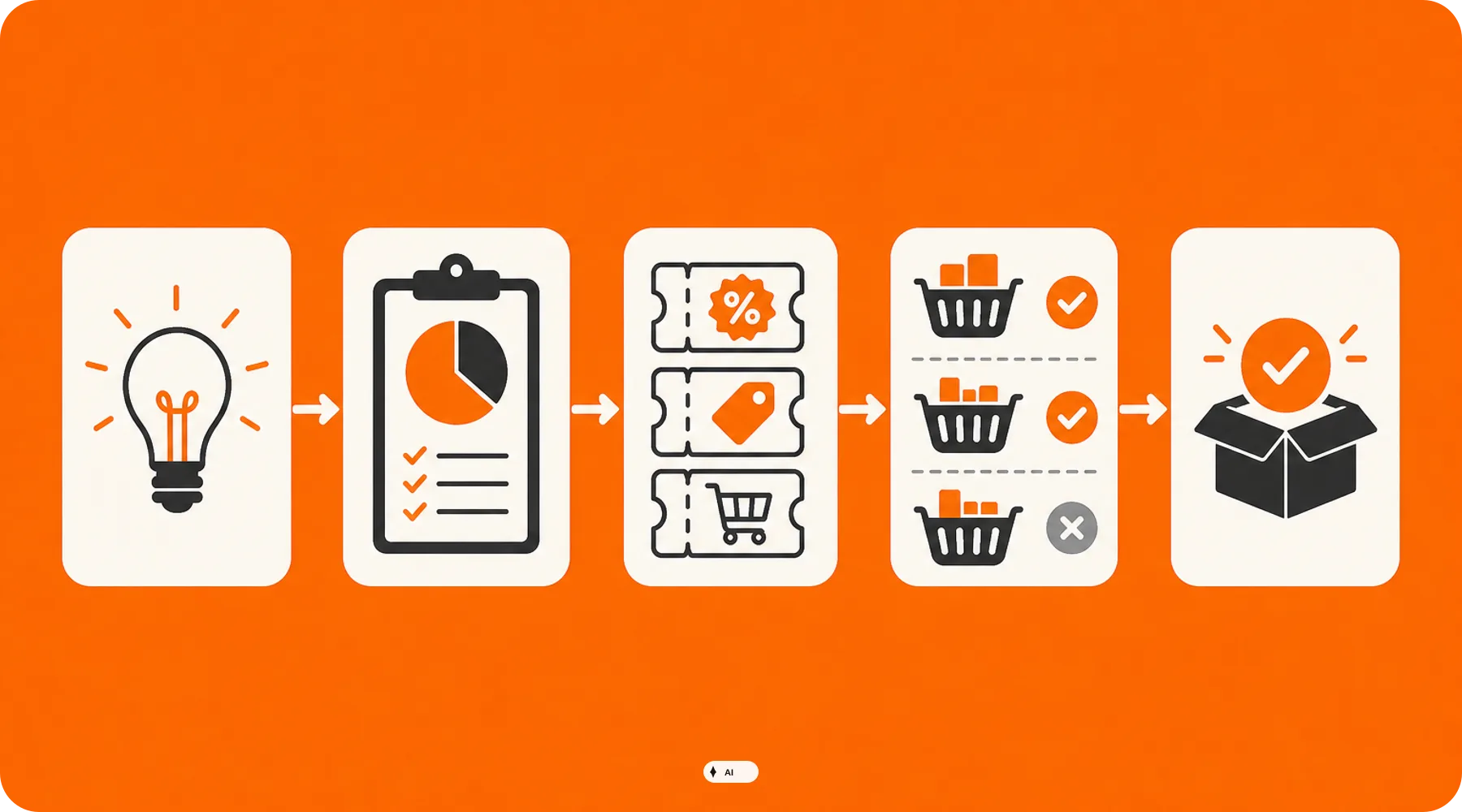
Customers can use a maximum of five product or order discount codes and one shipping discount code per order. However, this does not mean that these codes are automatically compatible with each other.
Check | Target State |
|---|---|
Product discount plus shipping | Only activate if the shipping incentive is factored into the calculation |
Product discount plus order discount | Explicitly test sale products and threshold impact |
Two order discounts | Check shop eligibility and maximum overall savings |
Two product discounts on the same line item | Only plan as a Shopify Plus case |
Buy X, Get Y plus product discount | Consider plan-dependent limitations |
For shops not on Shopify Plus, products within a Buy X, Get Y promotion are not eligible for further product discounts. In case of conflicts, Shopify applies the overall best permissible discount solution based on the cart.
Checking permissions and limits
Do the rules apply to all customers, specific customers, segments, or markets?
Does the minimum value refer to the entire cart or only to eligible items?
Is usage limited per customer or in total?
Are the start time, end time, and shop time zone correct?
Are subscriptions, one-time purchases, and POS treated as intended?
Important
In a Buy X, Get Y promotion, the free or discounted item must be in the cart. If the free item is sold out or is not added, Shopify cannot apply the intended benefit.
Checklist 3: Planning Google Sync separately
A functioning Shopify discount is not automatically a visible Google promotion. For merchants in Germany, it is particularly important to distinguish between a reduced product price and an offer with a discount code.
As of now, automatic discounts created in Shopify can only be integrated directly into Merchant Center in the US. German shops should therefore not assume that an automatic checkout promotion will appear as a promotion in Google Shopping.
Checking before the campaign launch
Do you need a temporary promotional price or a separately communicated promotion?
Is the discount actually redeemable for all advertised products?
Do conditions, timeframe, and product mapping match between Shopify and Merchant Center?
Is the required discount code specified for a shipping offer?
Does the promotion meet the required minimum added value for the target country?
For Shopify, Google supports, among other things, flat and percentage discount codes for specific products and variants. For collection discounts, Google mentions a limit of 250 products per collection and up to four mapped collections.
Checklist 4: Testing real carts
Do not just check if the discount appears active in the admin area. The decisive factor is the result in the cart and checkout under realistic conditions.
Test a cart just below the minimum requirement.
Test a cart exactly on the threshold and one just above it.
Combine the promotion with any other public code that remains valid.
Add discounted, excluded, and regular products together.
Check free items, quantity limits, and sold-out variants.
Repeat the test as a guest, an eligible existing customer, and a non-eligible customer.
Check relevant markets, currencies, and shipping destinations.
Verify cart, checkout, order confirmation, and refund process.
Shopify recommends test orders particularly after changes to checkout and payment settings. Note that while a payment test mode is enabled, regular customer orders are not possible.
Checklist 5: Measuring success profitably
The Shopify report "Sales by discount" shows orders and sales grouped by discount name or code. However, with combinable discounts, the same order can appear in multiple rows.
Therefore, do not add these rows up without checking. Evaluate the campaign using net revenue, discount amount, gross profit, returns, shipping subsidies, and allocated marketing costs.
Key Metric | Guiding Question |
|---|---|
Net revenue | What remains after discounts and returns? |
Gross profit | Do sales cover at least the defined cost of goods? |
Average order value | Is the cart increasing due to the logic or only due to higher discounts? |
New customer costs | Is the acquisition budget sustainable in addition to the discount? |
Returns | Which products lose contribution margin after the campaign? |
Avoiding measurement errors
High discounted revenue does not prove profitable acquisition. Define a threshold beforehand at which budget, discount intensity, or product scope will be reduced.
What shop operators should check now
✓ Are cost of goods and variable campaign costs maintained for all promotional products?
✓ Is there a documented matrix of all allowed discount combinations?
✓ Have old automatic and app-based discounts been deactivated?
✓ Are markets, customer groups, minimum values, and timeframes correctly limited?
✓ Has the Google display been verified independently of the Shopify checkout?
✓ Do test cases exist for thresholds, free items, and excluded products?
✓ Are reporting, responsibilities, and stop-rules defined before the launch?
Thinkideas View
Do not plan peak discounts as a percentage value, but as a controlled system of rules. A simple main promotion with clear combination limits is usually more valuable than a maximum stacked offer whose result only becomes visible after Black Friday.
Conclusion
Shopify offers flexible discount mechanisms, but their interaction must be deliberately configured for products, customers, markets, and external channels. Especially during peak season, minor rule conflicts can have a major impact on margin and customer experience.
As a next step, create a binding combination matrix and fully test derived carts right through to the order.


