

Published: July 28, 2026
Reading time: 8 minutes
Many security incidents do not start with a technical vulnerability, but with a legitimate account that has too many privileges or remains active after a project. This becomes particularly critical when external service providers, changing team members, and sensitive financial functions come together.
Shopify provides roles, granular permissions, staff accounts, and secure login methods for this purpose. However, these functions only become effective through a binding process for granting, monitoring, and revoking access.
In short & compact
✓ Assign access rights based on tasks rather than hierarchy or convenience.
✓ Multiple roles add their permissions together and can unnoticedly lead to extensive access.
✓ External partners should use collaborator accounts instead of shared logins.
✓ Passkeys or two-factor authentication additionally protect accounts from unauthorized access.
✓ A documented offboarding process is just as important as the secure invitation of new users.
Why access rights become an operational risk
A compromised account only causes damage where it is allowed to access. If a user simultaneously has rights for orders, customer data, apps, themes, settings, and finances, the potential scope of damage increases significantly.
The risk often develops gradually. A team member takes on additional tasks, receives a second role, and later keeps both permission packages, even though the original access is no longer needed.
Shopify assigns roles cumulatively: multiple roles combined result in the permissions of all assigned roles. Therefore, it is not enough to examine each role in isolation – the decisive factor is the effective total access of a person.
Important
A sensibly named role is not yet proof of security. Review the individual permissions contained and test whether the person can actually only perform their intended tasks with it.
Build roles based on tasks instead of people
A role should represent a recurring operational function, such as product maintenance, customer service, or campaign management. In contrast, person-specific roles like "Access for Max" quickly lead to special cases that are hard to trace later on.
Shopify offers managed roles and – depending on the plan and organization type – custom roles. According to Shopify, custom store roles are available for stores and organizations on all plans except Basic and Starter; additional organization features may be tied to Shopify Plus or specific organization models.
Task | Sensible Access | Usually Not Required |
|---|---|---|
Product Maintenance | Products, catalogs, content, and required files | Finances, user management, app development |
Customer Service | Orders and required customer data | Themes, apps, domains, payouts |
Marketing | Marketing, discounts, content, and relevant analytics | Users, payment providers, app billing |
Development | Theme, file, or app access according to the contract | Finances and complete customer management |
Accounting | Necessary financial and reporting functions | Online store, products, marketing, and users |
This division is a starting point, not a universal template. Individual workflows require interdependent permissions; Shopify can automatically add required rights when assigning.
Treat sensitive rights separately
Special attention should be paid to permissions for user management, finances, app development, store settings, and paid apps or themes. Anyone authorized to approve app charges can, for example, approve installations with one-time or recurring fees.
Separate such rights from everyday operational access where possible. A person who updates products normally does not need permission to manage other users or change central security settings.
Integrate external service providers in a controlled manner
Agencies and freelancers should not use a store owner's personal login. Shared login credentials prevent a clear assignment of actions and make it difficult to immediately revoke individual access.
Collaborator accounts are intended for Shopify Partners. Before accepting a collaborator request, you can review the automatically generated role, edit permissions, or assign existing roles.
Practical Check
Treat every collaborator request like a formal approval: confirm the job, determine the required areas, note the duration, and assign a responsible person for later removal.
Shopify also allows a collaborator request code. If a new code is generated, older codes lose their validity – a sensible measure if a code was accidentally shared or remained unchanged for a long time.
After the project ends, the collaborator account should be removed. According to Shopify, previous actions of the collaborator remain in relevant histories such as the activity log and order timeline.
Secure login and permissions together
Granular rights limit the potential damage but do not prevent account takeover. Therefore, every user needs their own account and a secure login method.
Shopify supports passkeys as well as two-factor authentication. Passkeys use, for example, fingerprint, facial recognition, device PIN, or screen lock and can better protect against phishing because no password needs to be entered on a replicated login page.
Do not rely on a single device for protection
Users should set up additional authentication or recovery options. Shopify recommends multiple secure login methods as a backup if the primary method is unavailable.
Recovery codes do not belong in freely accessible chat histories, project folders, or tickets. Instead, define a protected storage location and document who is responsible in an emergency.
Shopify Plus organizations can require a secure login method organization-wide. This includes passkeys and two-factor authentication; certain user types and SAML configurations may be exempt from enforcement.
Integrate controls into operations
Access should not only be checked during onboarding. Roles change, projects end, and external partners switch – therefore, the store needs a fixed control routine.
In the user management activity log, events such as creating, editing, or deleting users and roles can be tracked. In addition, Shopify displays the last five login sessions for users with date, IP address, ISP, location, as well as browser and operating system details.
Warning Sign
Unknown locations, ISPs, or devices alone do not prove an attack. However, they are a concrete reason to contact the user, check access, and, if suspected, secure the account, email inbox, and devices used.
Think of onboarding with an expiration date
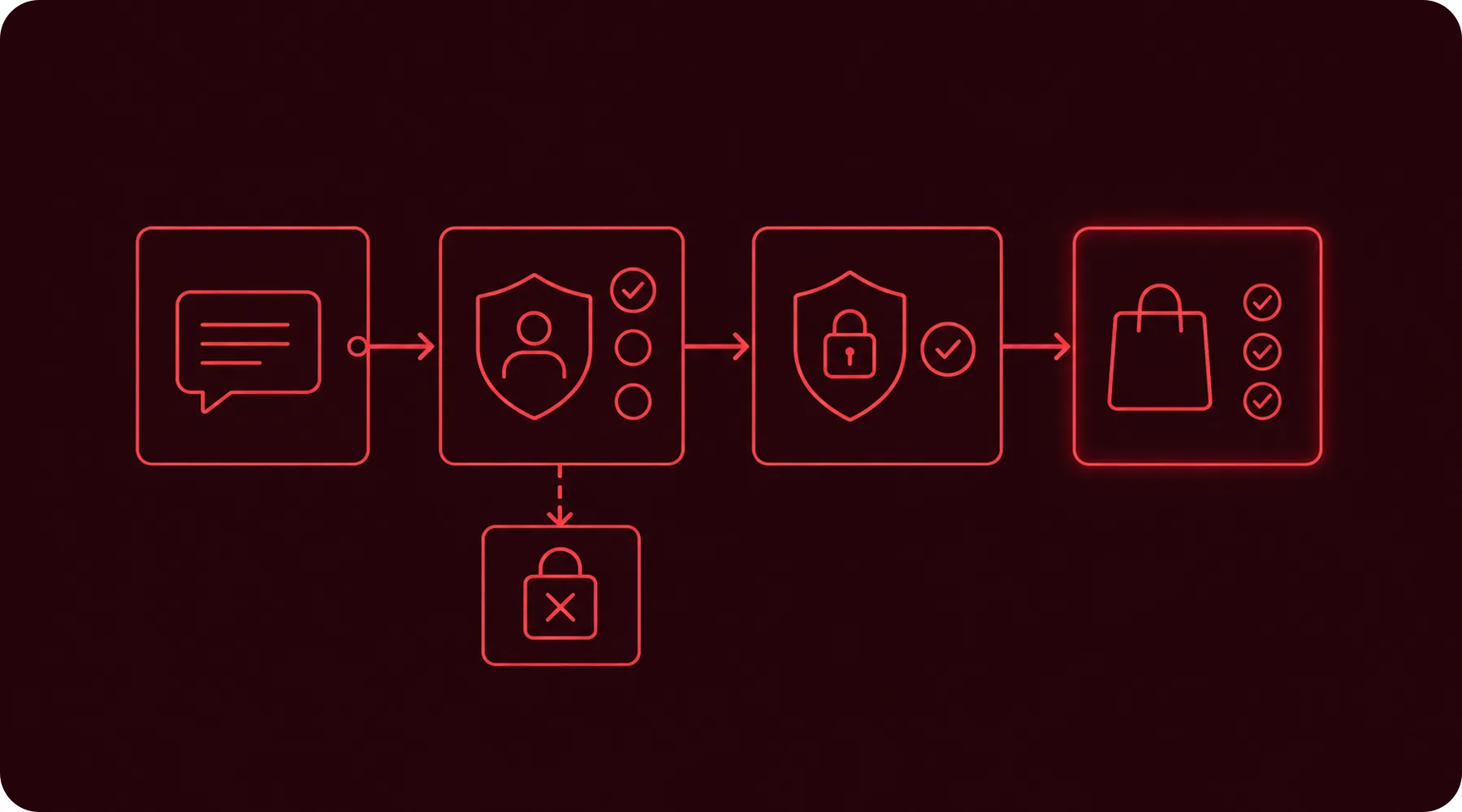
Already when inviting, the role, business purpose, approving person, and planned review date should be determined. Temporary projects need an end date, even if Shopify does not automatically remove access on that date.
New users should only start working productively once their secure login has been set up and tested. For particularly sensitive roles, a second internal review of permissions is also recommended.
Treat offboarding as an immediate process
When a person leaves the company or a project, their Shopify access should not remain active until the next quarterly review. Shopify allows authorized administrators to deactivate or remove users and revoke device permissions.
At the same time, check connected systems: email account, password manager, support platform, analytics tools, advertising accounts, and external apps. A revoked Shopify account is not sufficient if alternative accesses remain active.
What store operators should check now
✓ List all active users and collaborator accounts with their business purpose.
✓ Check the cumulative total permissions for people with multiple roles.
✓ Remove rights for finances, users, apps, and settings if they are not required.
✓ Control whether every user has set up a secure login method and a recovery option.
✓ Inspect the last login sessions for unknown devices, locations, or IP addresses.
✓ Deactivate former employees and remove completed collaborator accesses immediately.
✓ Set a recurring date for reviewing all accesses.
Document deviations deliberately. If a user requires extensive rights for operational reasons, the purpose, approval, and next review should be comprehensibly recorded.
Thinkideas View
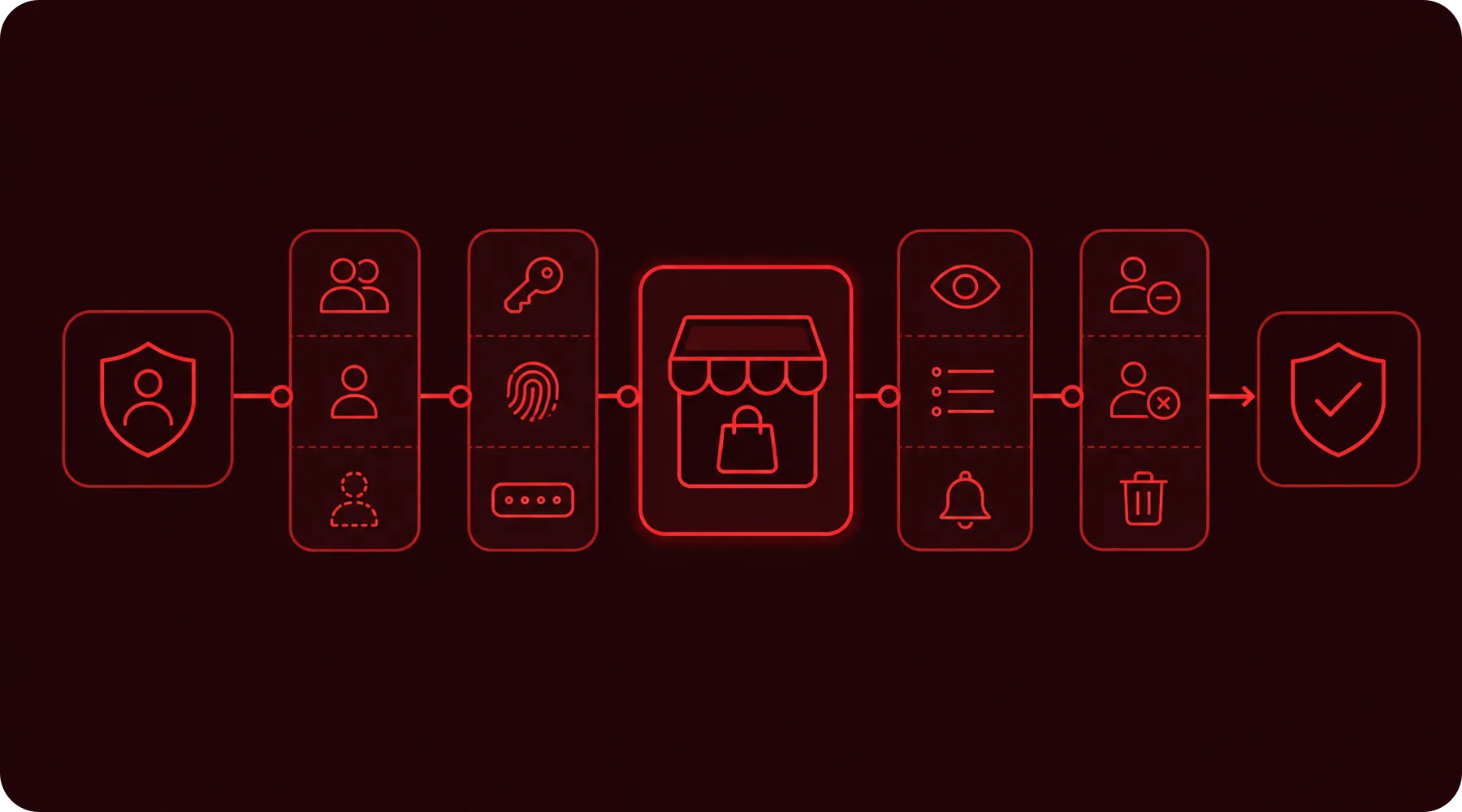
Treat Shopify access like financial approvals: individual, minimal, traceable, and periodically reviewed. Prioritize user management, financial rights, app accesses, and external collaborator accounts first – that is where an unnecessary permission can have particularly far-reaching consequences.
Conclusion
Secure Shopify access rights arise from the combination of clear roles, individual accounts, protected login, and consistent offboarding. Individual security settings do not replace this process.
Start with a complete user inventory and then reduce each access to the tasks actually required. After that, the review should be scheduled as a recurring part of your store operations.


