

Reading time: 5 minutes
Since July 1, 2026, new customs rules apply to low-value shipments from non-EU countries. Shopify now supports the calculation of this flat-rate fee in Managed Markets and in the duties and import taxes feature.
However, merchants still need to perform a check: the key factors are the fulfillment location, the selected duty logic, and complete HS codes in the product catalog.
In brief & compact
✓ Physical goods shipped from outside the EU to EU customers are affected.
✓ For qualifying imports under 150 euros, a flat-rate fee of 3 euros applies per different customs tariff classification.
✓ Shopify automatically processes the fee with Managed Markets.
✓ With a pure IOSS configuration, the fee can only be requested upon delivery.
✓ Correct HS codes are now particularly important for calculation and customs clearance.
What has changed with EU import duties
The previous customs exemption for imports up to 150 euros was abolished on July 1, 2026. For qualifying B2C shipments below this threshold, a flat-rate fee of 3 euros now applies per customs tariff classification.
This is not calculated as a flat rate per package, nor is it calculated per individual item. If a shipment contains products from multiple tariff classes, the fee can be charged multiple times.
Contents of the shipment | Tariff classes | Flat-rate fee |
|---|---|---|
Multiple T-shirts | One | 3 euros |
Clothing and cosmetics | Two | 6 euros |
Clothing, cosmetics, shoes, and jewelry | Four | 12 euros |
Intra-EU shipments are not affected. The change becomes relevant, for example, for fulfillment from the UK, Switzerland, the US, or Asian production and fulfillment warehouses.
Important
The company headquarters alone is not the deciding factor. A German Shopify store is also affected if individual orders are shipped directly to EU customers from a warehouse outside the EU.
How Shopify processes the fee
The action required depends on how your store currently maps duties and taxes. Shopify essentially distinguishes between Managed Markets, activated duty calculation, and configurations without duty calculation at checkout.
Shopify Configuration | Impact | Recommended action |
|---|---|---|
Managed Markets | Calculation, display, and collection are handled automatically. | Check price preview and sample order. |
Duties and import taxes activated | The fee is included in the duty calculation at checkout. | Confirm activation for all relevant EU markets. |
IOSS only | IOSS covers VAT, but does not automatically cover the new duty. | Check duty calculation and avoid delivery charges. |
Neither duties nor IOSS | Taxes and fees may be collected upon delivery. | Clarify tax and duty processes fundamentally. |
Note that IOSS and Shopify's duties and import taxes feature cannot be active at the checkout at the same time. If the duty feature is turned on for the EU, it also handles the tax treatment there; the IOSS registration is then no longer used for this checkout.
Practical guide: Check your setup in five steps
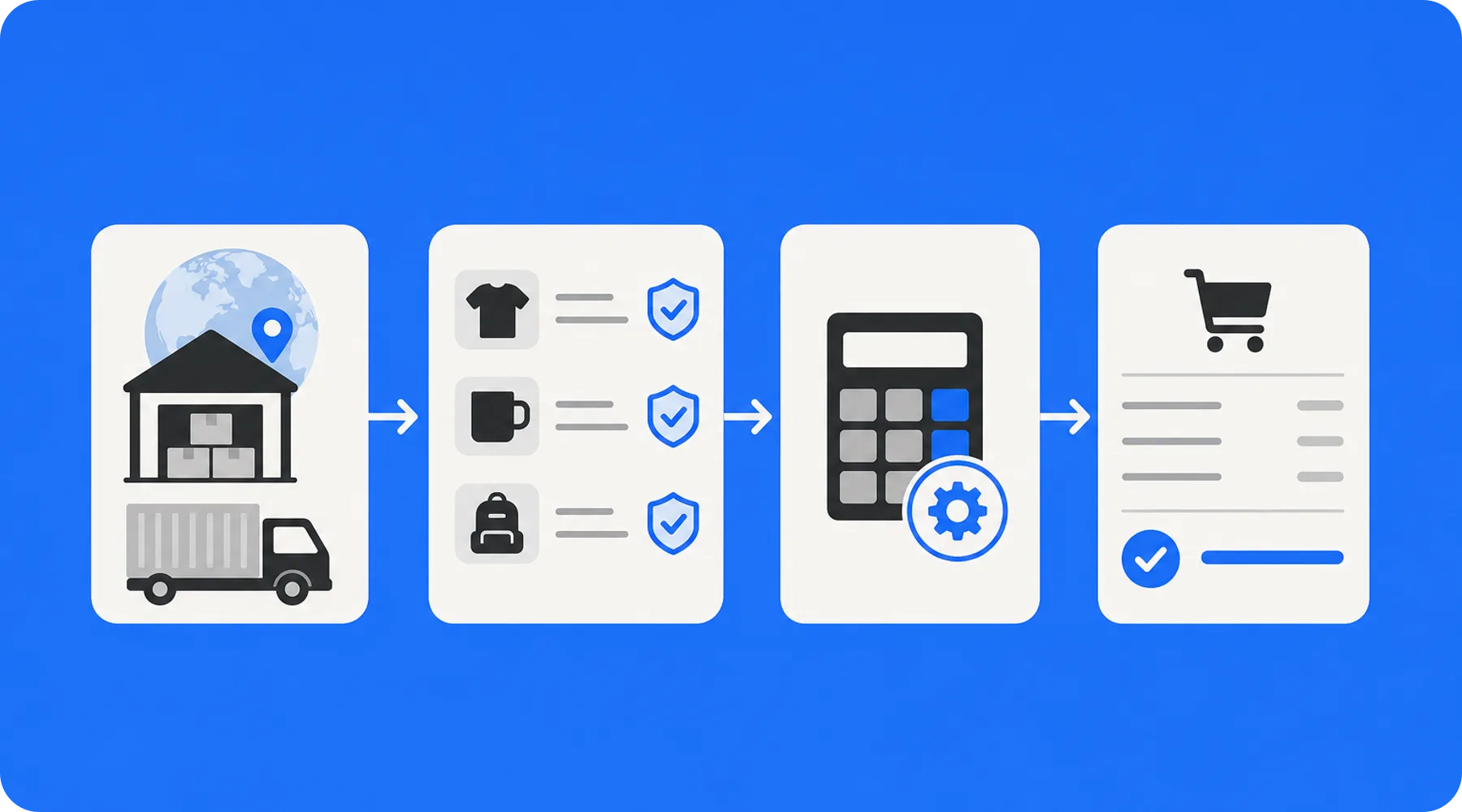
1. Record fulfillment routes
Document for each product which country it is actually shipped from. Take into account dropshipping partners, backup warehouses, and suppliers who ship directly to customers.
2. Complete HS codes
In the product area under customs information, check whether each physical product has an applicable HS code. Missing or incorrect codes can lead to incorrect fees and delays.
3. Check fee settings
In Shopify, open the settings for taxes and duties. Check whether duty calculation is active for all supplied EU countries or if Managed Markets is handling the processing.
4. Test real shopping carts
Test typical combinations with an EU delivery address: a single product, multiple items of the same category, and a mixed shopping cart. This will show you if additional tariff classes change the displayed final price.
5. Evaluate margin and communication
Check whether the fee is borne by the customer or factored into the prices. The product page, shipping information, and checkout should consistently communicate whether additional costs may arise after purchase.
Practical Check
Start with your best-selling cross-border products. A thoroughly checked core catalog reduces risk faster than a superficial check of the entire range.
Why mixed shopping carts are critical
The new logic can particularly affect bundles, sets, and cross-selling. Multiple items do not necessarily increase the fee, but multiple different customs tariff classifications do.
Merchants should therefore check not only individual prices, but also their most important shopping cart combinations. This applies in particular to product ranges that combine fashion, cosmetics, accessories, or other product groups.
What store owners should check now
✓ Are goods or partial orders being shipped from a non-EU country?
✓ Are correct HS codes stored for all affected products?
✓ Is duty calculation activated in the supplied EU markets?
✓ Has the treatment of an existing IOSS configuration been clarified?
✓ Does the checkout show transparent final prices for mixed shopping carts?
Thinkideas View
Prioritize transparency over short-term low product prices. If you ship regularly from non-EU warehouses, the checkout should collect fees as completely as possible instead of confronting customers with additional payment requests upon delivery.
Conclusion
Shopify technically supports the new EU import duty, but the quality of the result depends on your product and market data. Fulfillment origin, HS codes, and the distinction from IOSS deserve special attention.
Test representative EU orders now and have any unclear customs, EORI, or tax liabilities checked by a qualified professional advisor.


