

Published: August 2, 2026
Reading time: 8 minutes
Shop Pay can significantly shorten mobile checkout times. However, for German Shopify stores, this accelerated checkout has an important catch: only card payments are currently available within Shop Pay.
Anyone who offers Klarna, PayPal, or Google Pay should therefore neither activate Shop Pay wholesale nor prematurely disable it. The decisive factor is which checkout path actually converts better for the product range, target audience, and device.
Short & compact
✓ Shop Pay currently only supports credit and debit cards in Germany.
✓ PayPal, Klarna, and Google Pay remain unavailable via Shop Pay, even when activated in the store.
✓ The standard checkout can display a wider selection of activated payment methods.
✓ Accelerated buttons should be tested based on product and device.
✓ The decisive factor is the completion rate from checkout, not just the usage of Shop Pay alone.
Why Shop Pay does not automatically convert better
Shop Pay stores the email address, payment method, and shipping and billing details for participating customers. For subsequent purchases, this information does not need to be completely re-entered, which means fewer inputs are required, especially on smartphones.
This shortening is a plausible conversion lever, but not proof of a better result in every store. The impact depends on whether the preferred payment method of the respective target group is available within this path.
The catch for the German market
According to current Shopify documentation, only card payments are possible within Shop Pay in Germany. PayPal is generally not available via Shop Pay; Klarna and Google Pay are also not available as options in the German Shop Pay path.
In the standard checkout, these methods can still appear, provided they are activated for the store and available for the respective order. In Germany, Shopify Payments supports Apple Pay, Google Pay, and Shop Pay as accelerated checkouts, alongside cards, as well as Klarna as a local payment method.
Checkout Path | Availability in Germany | Potential Benefit | Potential Risk |
|---|---|---|---|
Shop Pay | Credit and debit cards | Saved data and fewer inputs | No selection of Klarna, PayPal, or Google Pay |
Standard Checkout | Activated methods available for the order | Wider choice of payments | More inputs depending on the customer |
Apple Pay or Google Pay | Depends on device, browser, and set-up account | Fast wallet payment | Not available for every session |
Important
A fast payment path loses its benefit if it excludes the preferred payment method. Therefore, treat speed and payment choice as two separate conversion factors.
Where the checkout path already begins on the product page
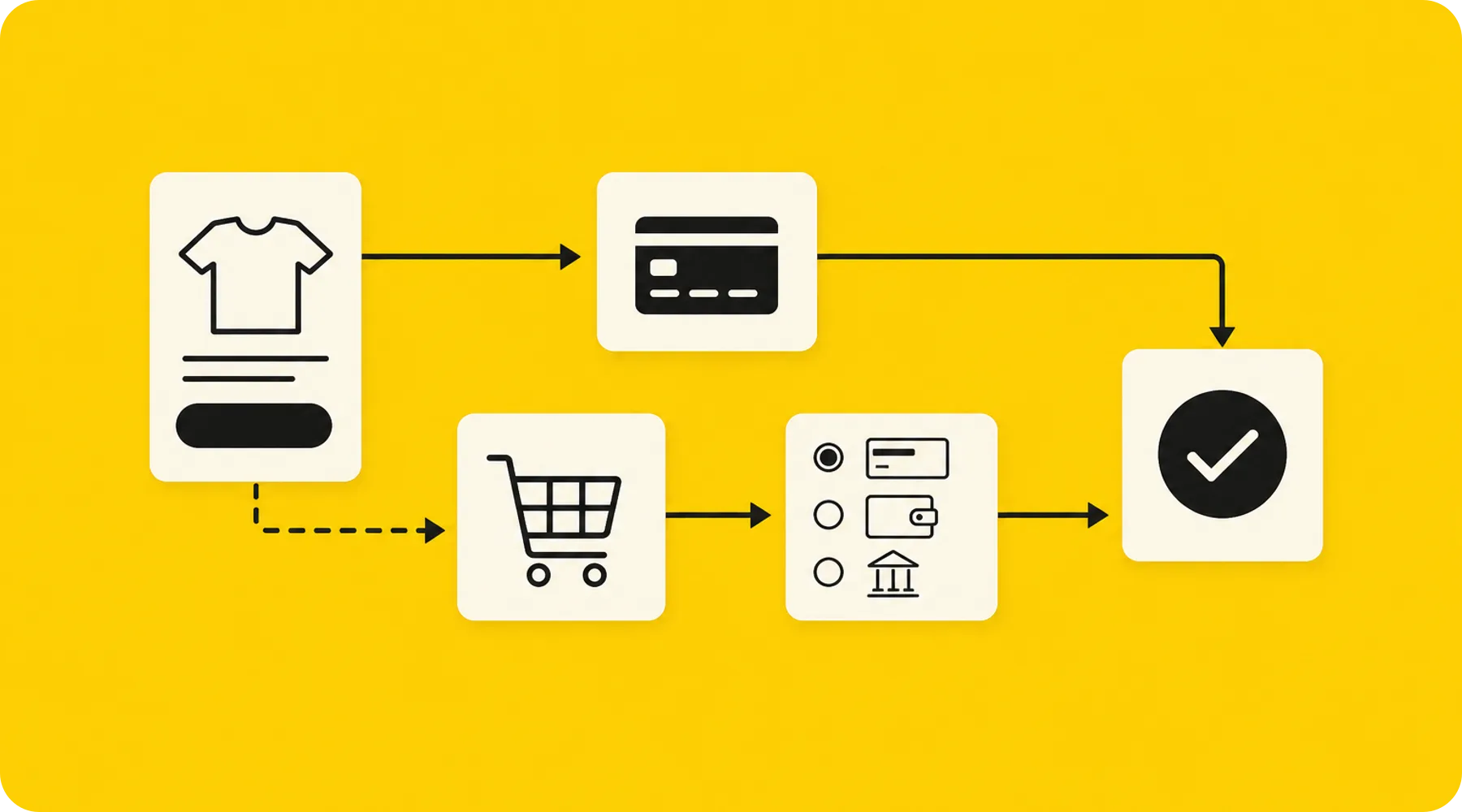
Accelerated checkout buttons can lead customers directly from the product page to payment. The shopping cart is bypassed, and Shopify dynamically displays a suitable accelerated payment method.
Current themes from the Shopify Theme Store support these buttons. In the theme editor, they can be activated or deactivated under the buy buttons of a product template.
Direct purchase does not fit every buying motive
For a clearly explained single product, the direct route can make sense: select variant, pay quickly, complete order. This is especially true for repeat buyers, reorders, or products that do not require high levels of explanation.
On the other hand, for products requiring explanation, sets, or typical multi-item purchases, the shopping cart serves additional purposes. There, customers can check quantities, compare variants, recognize free shipping thresholds, or add further items.
Bypassing this intermediate step may shorten the path, but orientation and shopping cart value can suffer at the same time. The correct test therefore compares not only orders, but also order value and checkout completion.
Practical Tip
Use alternative product templates to initially use accelerated buttons only on selected products. Shopify allows you to assign such templates to specific products, instead of rolling out direct purchase across the entire store immediately.
Test Shop Pay systematically instead of just observing
A robust test begins with a clear hypothesis. Example: For mobile reorders, an accelerated button increases the rate of completed checkouts without noticeably worsening the average order value.
At the same time, avoid ongoing changes to prices, shipping thresholds, campaigns, or product pages. Otherwise, a change cannot be cleanly attributed to the checkout path.
Step 1: Record the baseline
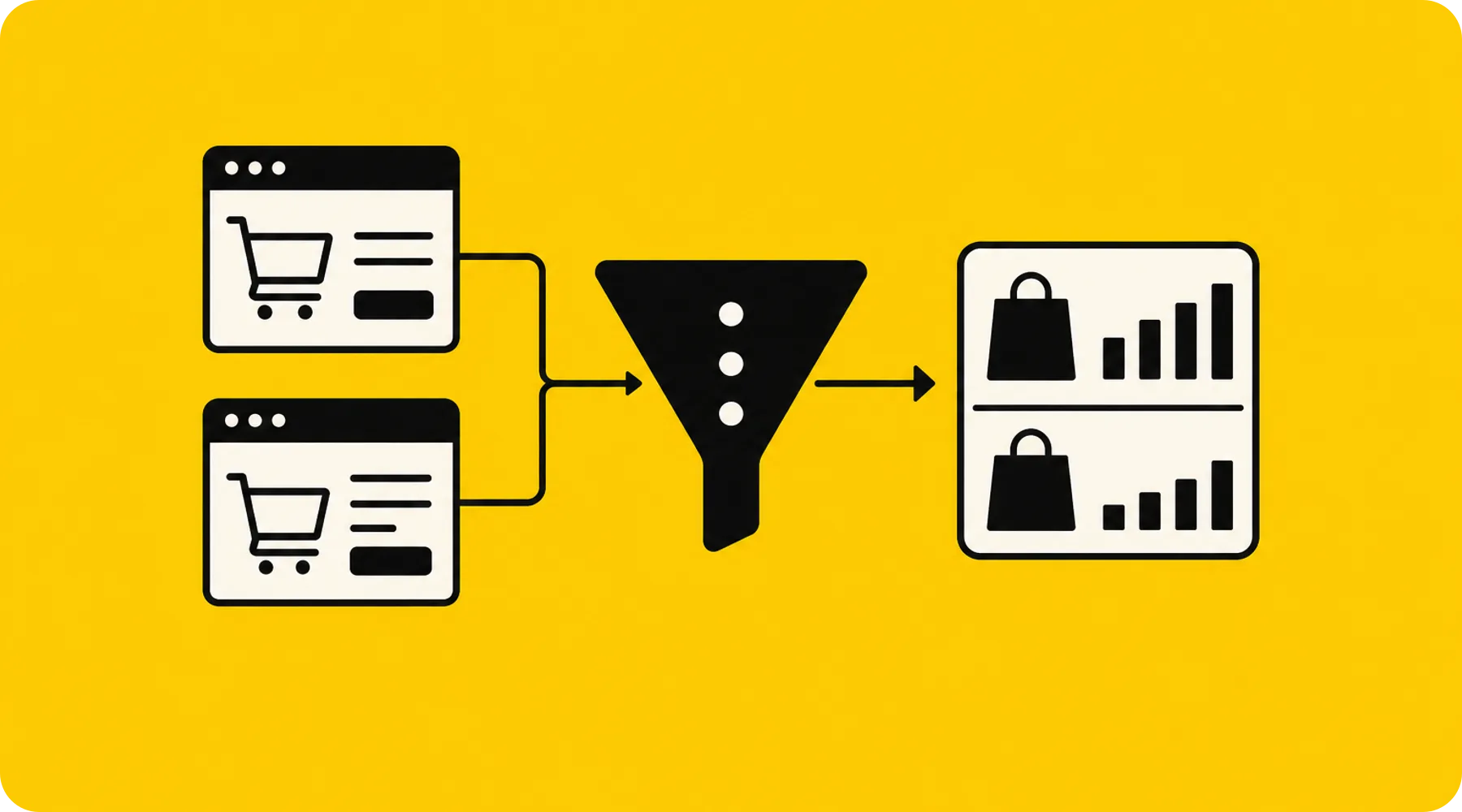
First, check the Shopify report on the conversion rate breakdown. The funnel includes sessions, cart additions, reached checkouts, and completed checkouts.
In addition, financial reports show the payment method used and, if applicable, the accelerated checkout such as Shop Pay or Apple Pay. This data explains how successful orders were paid for; however, it does not directly show which unavailable payment method caused an abandonment.
Step 2: Reasonably limit the test group
Start with products where a direct purchase is logically plausible. Frequently reordered consumables or products with few variants and low explanation requirements are suitable, for example.
For complex products, keep the normal shopping cart guidance for now. This way, you do not compare the entire store arbitrarily, but test a concrete UX hypothesis in a suitable context.
Step 3: Compare the right metrics
Metric | What it answers | Interpretation |
|---|---|---|
Checkout completion rate | How many reached checkouts end in a purchase? | Key metric for friction in the checkout |
Rate of reached checkouts | How often does the product or cart phase lead to checkout? | Shows the effect of the entry path |
Average order value | Does the direct purchase change the cart value? | Protects against looking at conversion in isolation |
Payment mix | Which methods do successful buyers use? | Shows the relevance of cards, Klarna, PayPal, and wallets |
Device comparison | Does the effect differ between mobile and desktop? | Prevents misleading overall values |
Evaluate the test over complete, comparable business cycles. Promotions, paydays, weekends, and changing traffic sources can alter the payment mix and purchasing behavior.
When deactivating Shop Pay can make sense
Shopify allows you to deactivate Shop Pay. After that, customers go through the standard checkout and gain access to the activated payment methods available to them.
This decision can be relevant if a large portion of the German customer base demonstrably pays with methods that are missing within Shop Pay. However, it must be considered that deactivating it also removes the Shop login features from the store.
A complete deactivation should therefore be the last, not the first measure. Often it is more useful to first limit the placement of accelerated product page buttons and keep the regular shopping cart as an easily visible alternative.
Mandatory fields can additionally neutralize the advantage
Also check the form options under Settings and Checkout. Company name, address line 2, and shipping address phone number can be removed, made optional, or requested as mandatory, depending on the field.
A mandatory company name can result in certain accelerated options like Apple Pay not being displayed. A forced account login also hides accelerated checkout options in the shopping cart so that the login requirement is not bypassed.
What store owners should check now
✓ Determine the current share of cards, Klarna, PayPal, and wallets in successful orders.
✓ Test accelerated buttons separately by product template, device, and buying motive.
✓ Remove unnecessary mandatory fields from the checkout.
✓ Compare checkout completion rate and order value together.
✓ After making changes, perform at least one test order for the complete process.
Shopify recommends test orders, especially after changes to payment settings. The Bogus Gateway and the test mode of Shopify Payments are available for this purpose; simulated orders do not appear in payouts or reports.
Thinkideas View
In Germany, use Shop Pay specifically for simple, mobile direct purchases, but keep the standard checkout with Klarna, PayPal, and other relevant methods easily accessible. Optimize the placement of the accelerated entry point first before completely deactivating a payment path.
Conclusion
Shop Pay can reduce inputs, but in Germany it is not a complete replacement for the standard checkout. The restriction to card payments makes your store's actual payment mix the deciding factor.
First, check the funnel, payment methods, and mandatory fields. Then test the accelerated entry point on selected product templates and decide based on the checkout completion rate and order value.


